
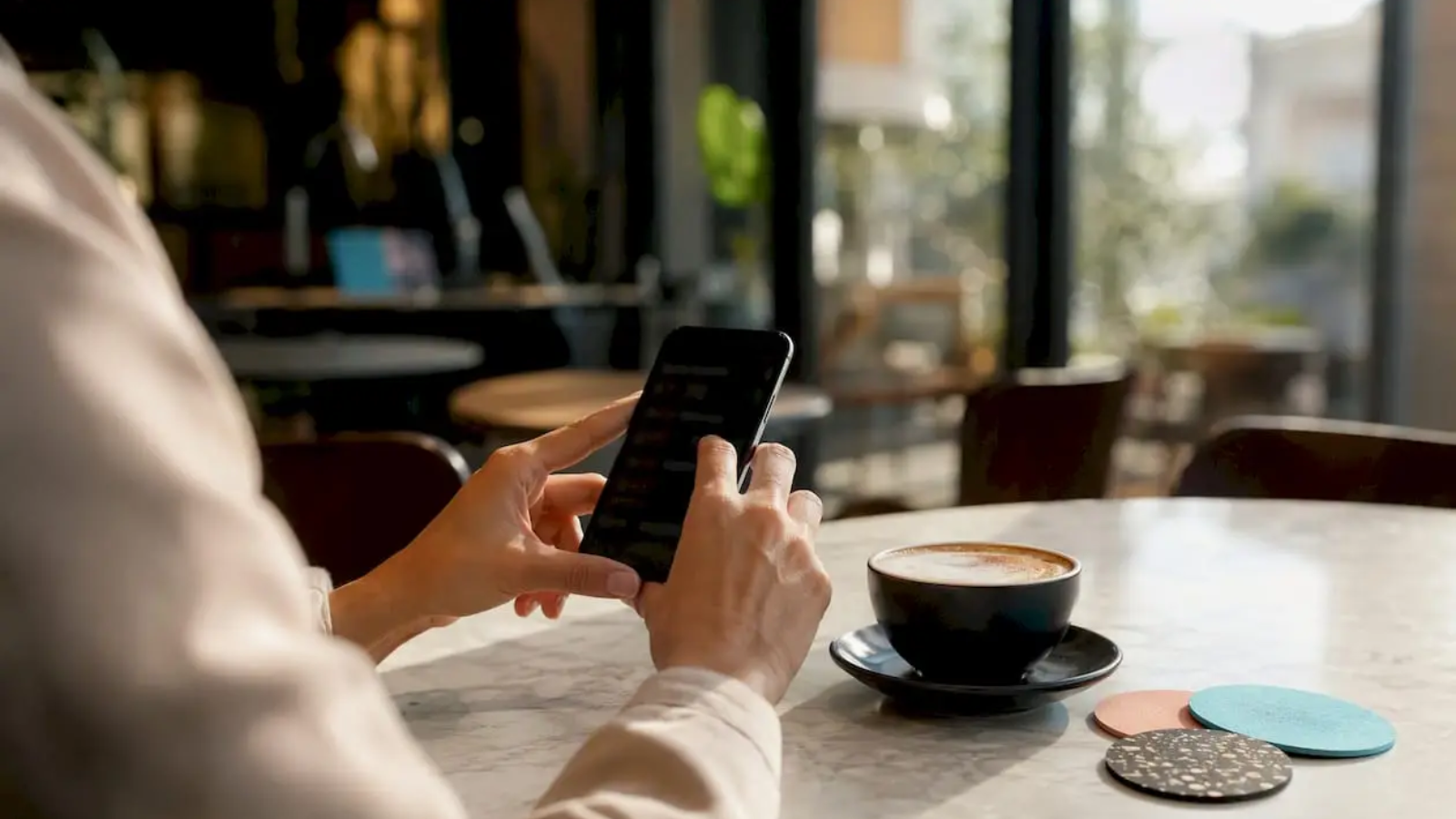
The Instagram link in bio is the tappable external link (or links) sitting in your profile, right below your name and bio text. It’s the only place on Instagram where followers can click directly to an outside URL. Instagram now supports up to five native links in your profile’s Links section. Your immediate next step: tap Edit profile → Links → Add external link, paste your URL, and hit Done.
That’s it. You’re live in under 60 seconds. Everything below helps you do it smarter.
Key Takeaways
The single most important move for any restaurant or creator: put your highest-converting destination first in the bio link stack and track it with UTM parameters from day one.
| Point | Details |
|---|---|
| Native links are free and fast | Instagram supports up to five native links; add them via Edit profile → Links → Add external link. |
| Per-link analytics require a bio page | Native links show total clicks only; tools like Linktree or Linkin.bio track each link individually. |
| Prioritize conversion destinations | Restaurants should put the ordering or reservation link first — it gets the most attention. |
| UTM tags close the tracking gap | Add ?utm_source=instagram&utm_medium=bio to every destination URL to measure real conversions. |
| Ionhospitality optimizes the full system | Ionhospitality builds, tracks, and optimizes bio links for restaurants focused on bookings and online orders. |
Table of Contents
- How to add or edit your Instagram bio link right now
- Native Instagram links vs. a bio-link page: which one fits your goals?
- Which bio-link tools work best for creators and restaurants?
- How to build a bio-link page and go live in under 10 minutes
- What to put first: prioritizing your bio links for real results
- How to measure whether your bio link is actually working
- Which approach should you use? A quick recommendation by goal
- A note from the Ionhospitality team on what actually moves the needle
- Ionhospitality sets up and optimizes your restaurant’s bio link for bookings and orders
- Sources
How to add or edit your Instagram bio link right now
Instagram’s official Help Center documents the exact steps. Here’s the mobile-first version:
- Open Instagram and tap your profile photo in the bottom-right corner.
- Tap Edit profile (the button just below your bio).
- Tap Links (you’ll see it listed under your profile details).
- Tap Add external link.
- Paste your URL. Always include
https://— without it, Instagram won’t treat the link as tappable. - Add a Title (e.g., “Order Now” or “Book a Table”). This short label appears in your profile and drives clicks.
- Tap Done.
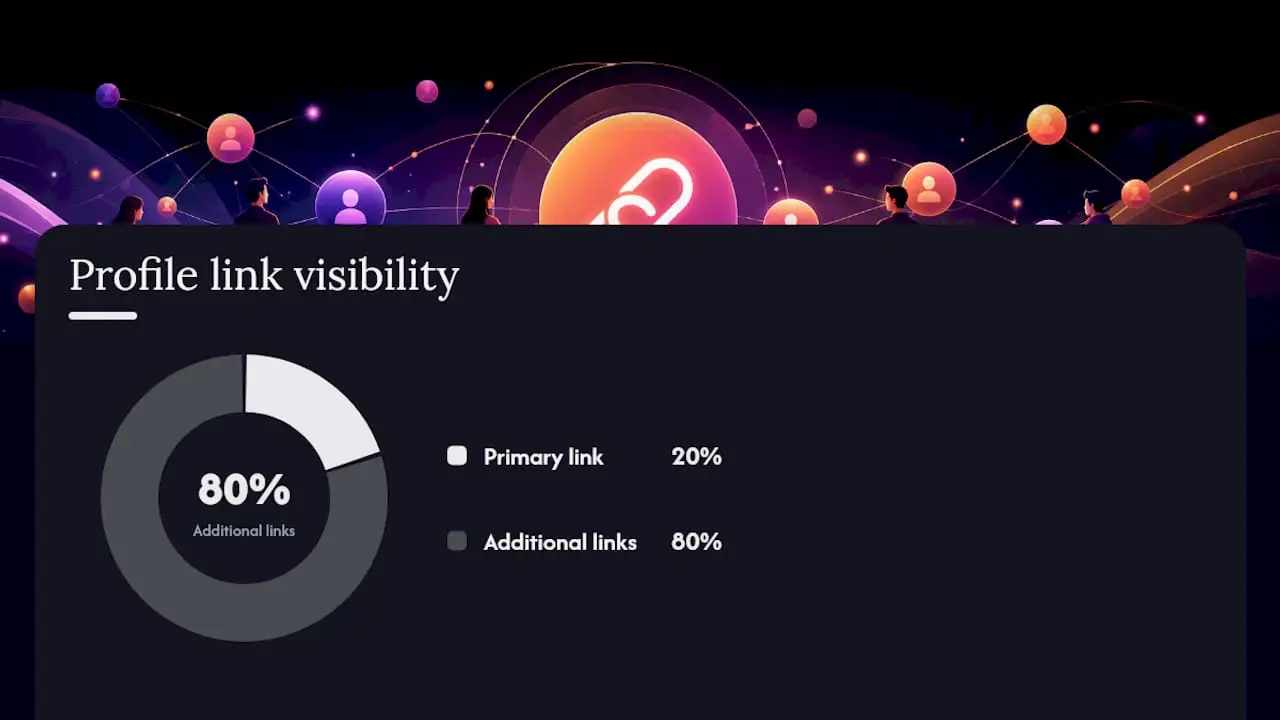
Repeat steps 4–7 for each additional link, up to five total. On your profile, visitors see the first link prominently. The rest appear under an “and X more” toggle — so order matters.
Quick troubleshooting: If the link isn’t saving, check that you’re editing the Links field, not the bio text box. If it’s not tappable, add https://. Still broken? Force-close the app and update to the latest version.
Pro Tip: Use the Title field as a mini call-to-action. “Reserve Your Table” outperforms a raw URL every time. Titles are what followers actually read before they tap.
Native Instagram links vs. a bio-link page: which one fits your goals?
You have two real options: use Instagram’s built-in Links field, or paste a single bio-link page URL that hosts all your links in one place. Here’s how they compare.
| Feature | Native Instagram links | Bio-link page (e.g., Linktree) |
|---|---|---|
| Number of links | Up to 5 | Unlimited |
| Works cross-platform | Instagram only | Any platform |
| Per-link analytics | ❌ Not available | ✅ Yes |
| Custom branding/domain | ❌ No | ✅ On paid plans |
| Setup time | Under 1 minute | 5–10 minutes |
| Cost | Free | Free tier + paid plans |
The native option is fast and free. The trade-off is real: Instagram does not provide per-link click tracking for native links, so you can’t tell which of your five links is driving traffic. A bio-link page solves that.
Use native links when you have five or fewer high-priority destinations and don’t need click-level data. Use a bio-link page when you want per-link analytics, unlimited links, or one URL that works across Instagram, TikTok, and other platforms.
Which bio-link tools work best for creators and restaurants?
Three tools dominate the conversation. Here’s how they stack up.
| Tool | Best for | Ease of setup | Free tier | Custom domain | Analytics | Price |
|---|---|---|---|---|---|---|
| Linktree | Creators wanting a brandable, shareable page | Very easy | ✅ Yes | Paid plans | Basic (free), advanced (paid) | Free; paid from ~$5/mo |
| Lnk.Bio | Creators who want minimal, no-frills links | Very easy | ✅ Yes | Limited | Basic | Free; one-time paid option |
| Linkin.bio (Later) | Brands linking each post to a product/URL | Moderate | ✅ Limited | Paid plans | Strong | Paid plans available |
| Instagram native | Anyone needing ≤5 quick links | Instant | ✅ Yes | ❌ No | None | Free |
Linktree is the most recognized name in the category. Its Help Center documents the simple share flow: copy your Linktree URL, paste it into Instagram’s Links field, and you’re done. The free tier covers the basics. Paid plans unlock custom domains, advanced analytics, and more layout control.
Lnk.Bio takes a lighter approach. Its public presence on social channels reflects an active creator community that values simplicity over feature depth. If you want a clean, fast page with no learning curve, it delivers.
Linkin.bio by Later is built differently. Instead of a static list of links, it maps individual Instagram posts to specific URLs, making it the strongest option for e-commerce brands and restaurants running post-specific promotions. The analytics are more detailed, but you’ll need a paid Later plan to unlock the full feature set.
Pro Tip: You can use any of these tools alongside Instagram’s native Links field. Paste your Linktree or Linkin.bio URL as one of your five native links. That hybrid approach gives you a branded page AND keeps your profile link clean.
How to build a bio-link page and go live in under 10 minutes
This works with any tool. Follow these steps:
- Create a free account on your chosen platform (Linktree, Lnk.Bio, or Later).
- Add your links one by one. Write a clear, action-oriented title for each (e.g., “Online Menu,” “Book a Private Event,” “Order Online”).
- Configure branding: upload your logo, pick brand colors, and set a profile photo that matches your Instagram.
- Set up a custom domain if your plan supports it — this keeps your URL on-brand.
- Copy your page URL from the platform’s dashboard.
- Paste it into Instagram: go to Edit profile → Links → Add external link, paste the URL with
https://, and save.
For tracking, add UTM parameters to each destination URL before you add them to your bio page. A simple example:
https://yourrestaurant.com/order?utm_source=instagram&utm_medium=bio&utm_campaign=summer-menu
Pro Tip: Order your links by priority before you publish. Most tools display them top-to-bottom, and the first link gets the most clicks. Pin or schedule time-sensitive links (a weekend special, a holiday reservation push) if your platform supports it.
After publishing, confirm:
- Tap the link on your mobile profile — does it open correctly?
- Check that UTM parameters appear in your analytics tool.
- Preview the page on both mobile and desktop.
What to put first: prioritizing your bio links for real results
The top link in your stack gets the most attention. Marketing guides consistently recommend putting your highest-converting destination first. Here’s a practical framework:
For restaurants 🍽️
- Online ordering page or reservation link (primary revenue driver)
- Menu or private event inquiry form
- Current promotion, gift cards, or seasonal offer
- Newsletter or loyalty sign-up
- Press feature or evergreen content
For creators 🎥
- Current launch, drop, or campaign
- The link that pays you (affiliate, product, course)
- Newsletter or community sign-up (long-term value)
- Social profiles or press
- Evergreen resource or portfolio
Restaurants should treat the online ordering page as the default top link. Every week you don’t have it there is a week of missed orders. The online menu belongs in slot two, not buried at the bottom.
Pro Tip: Rotate your top link for time-limited promotions. Running a Valentine’s Day dinner special? Move that reservation link to position one for the week. Use a UTM-coded short link so you can measure exactly how much lift the bio drove.
How to measure whether your bio link is actually working
Instagram’s native Links field shows profile visits but not which specific link a visitor tapped. That gap is the core reason many creators and restaurants move to a bio-link page.
Metrics to track:
- Profile visits — how many people land on your profile
- Link clicks — total taps on your bio link (available in Instagram Insights under your profile)
- Click-through rate — link clicks divided by profile visits
- Per-link clicks — only available through a bio-link page tool
- Conversions — bookings, orders, or sign-ups that originated from the bio link (tracked via UTM parameters in Google Analytics or your reservation platform)
📊 Key threshold: Instagram’s native five-link limit means once you hit five destinations, you need a bio-link page. That same page also solves the analytics gap — per-link data tells you which link to reorder, which to cut, and which to promote harder.
UTM parameters are the practical fix for native-link tracking. Tag every destination URL before adding it to your bio:
?utm_source=instagram&utm_medium=bio&utm_campaign=your-campaign-name
Then check Google Analytics (or your booking platform’s traffic source report) to see exactly which sessions and conversions came from your Instagram bio.
Which approach should you use? A quick recommendation by goal
You have ≤5 destinations and want zero setup friction → Use Instagram’s native Links field. Free, instant, no third-party account needed.
You want per-link analytics or more than five links → Use a bio-link page. Linktree is the fastest start; Linkin.bio by Later is stronger for post-level commerce.
You’re a restaurant focused on bookings and orders → Put your reservation or ordering link first, always. Consider a bio-link page so you can track which link drives the most conversions and adjust weekly. Pair your bio strategy with restaurant Instagram marketing tactics that push followers to your profile.
You’re running cross-platform (Instagram + TikTok) → A single bio-link page URL works across every platform. One update, every channel refreshed.
A note from the Ionhospitality team on what actually moves the needle
Most restaurants we work with make the same mistake: they set the bio link once and forget it. They put the website homepage there and call it done. Then they wonder why Instagram isn’t driving orders.
The bio link is not a set-it-and-forget-it field. It’s a live conversion lever. When we audit a restaurant’s Instagram profile, the bio link is one of the first things we look at — and it’s almost always underperforming. The fix is usually simple: swap the homepage for a direct ordering or reservation URL, add UTM tracking, and rotate the top link around promotions and events.
The restaurants that see real results from Instagram treat the bio link the same way they treat a table near the window: it’s prime real estate, and it should always be working for you. Pair that with paid social campaigns that drive profile traffic, and the bio link becomes a genuine revenue channel, not just a placeholder.
Ionhospitality sets up and optimizes your restaurant’s bio link for bookings and orders
Most restaurant owners know they need a strong Instagram presence. Fewer know how to make the bio link actually convert. Ionhospitality handles the full setup: we build your tracked bio-link page, configure UTM parameters for every destination, write CTA copy that drives taps, and tie the whole system into your ordering and reservation flows.
No guessing which link to put first. No wondering whether Instagram is driving orders. We handle the strategy, the setup, and the ongoing optimization — all done for you, with no commissions on the bookings we help you generate. If you’re ready to turn your Instagram profile into a real revenue driver, book a discovery call and we’ll show you exactly what we’d change.
Sources
- Add a website to your Instagram profile
- Instagram link tree guide: How to set up and optimize your bio links
- How to Add Linktree to Instagram (2026): The Bio Link, the Native 5-Link Update, and When You Need Either
- Sharing your Linktree | Linktree Help Center

Add a Comment